

8·
2 days agoThere is also Nextcloud Talk, but it can be a bit overwhelming to set up (needs the high-performance backend for video and stuff). But, it’s entirely self-hosted and has no user cap as far as I am aware.
Linux enthusiast, family man and nerd
There is also Nextcloud Talk, but it can be a bit overwhelming to set up (needs the high-performance backend for video and stuff). But, it’s entirely self-hosted and has no user cap as far as I am aware.
I’d check with other USB ports then. If the receiver is not even detected, it’s often a defective USB port.
What DE you like is very much dependant on your work flow and how well you can adjust to changes.
Personally, I love KDE Plasma. It’s the right amount of “bling”, bells, whistles, aestetic and settings for me. Gnome feels way to “simple” and XFCE feels reliable but old.
For me, the DE is often more important than the base underneath, but I do like my rolling release. :)
I’m probably in the 5-6 area. Maybe a toe into 7.
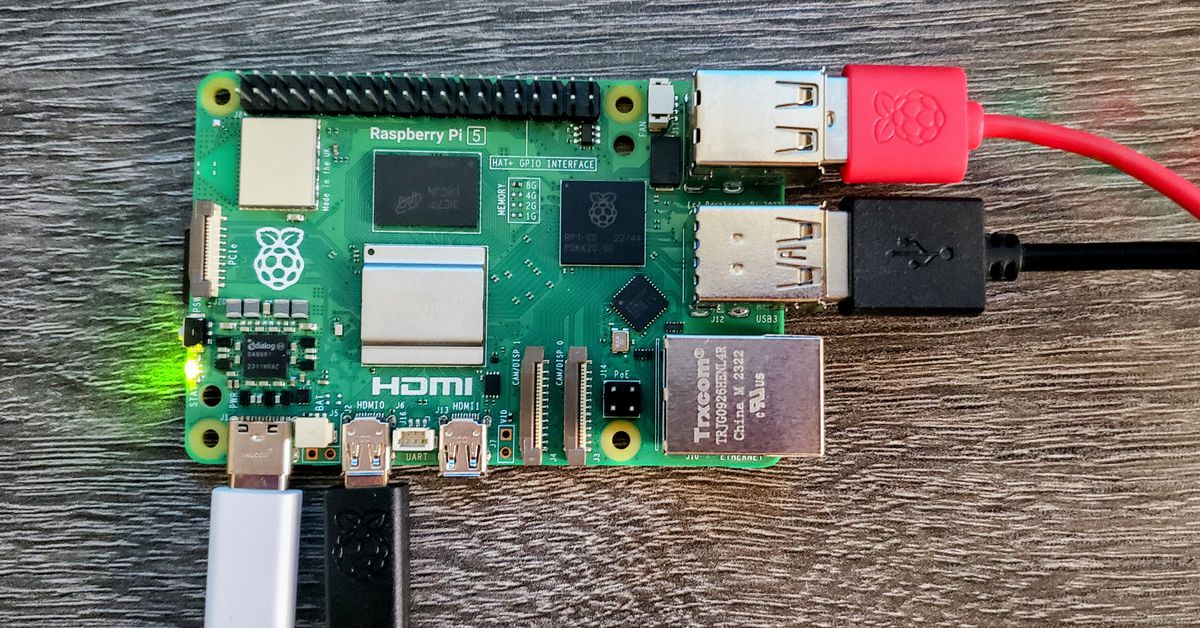
I don’t have access to my server right now, but it’s around 20 containers on my little N100 box.
Nice documentation. Thanks for taking such well written notes. Starred.
Same here. To really take off, it needs companies to join and post jobs.

As a Dane, this has been frightening for years. I hope our government thinks of open source solutions, instead of just a european company over a US one.
Sure, but presenting DE choice inside the install will confuse the mythical new user.
But I agree with you. A lot of download bandwidth and hosting storage could be saved by doing what Cachy/Endeavour ISO’s are doing.
Ho much does the screenshot you posted say, that the screenshots on the Mint download page does not? Other than giving you more options, which can overwhelm new people.
Some distro’s really like doing their curated live environment for each environment, so you can test it out before actually installing it.
Sounds like you want something like X11 forwarding. I have never used it, but I believe it is proper remote desktop, not sharing.

Having icons in menus does clutter a bit, but it is a real boon to people that can’t read or have bad vision, so they can easily find the entry they need.
Never heard of ArchCraft before. No interest in it now.
I haven’t tried ElementaryOS in years. It was always too opinionated for me.
But glad they are still releasing updated ISO’s.
deleted by creator
Curseforge even have Linux clients (although still marked as alpha): https://www.curseforge.com/download/app#download-options
I ran Linux at work up until recently where I found out that they are in the process of changing the network setup, so only systems with a valid certificate can access the network. And they have no plan to support Linux in that setup. So I was kind of forced to switch back to Windows, because my work requires that I can access the local network.
Other than that, I used Linux in a Microsoft Entra/Intune environment with Edge, Teams and Office 365 for a couple of years.
This means that drivers written in Rust will have just a good a chance to be accepted as drivers written in C?
I usually create ~/git/{github,gitlab,codeberg,AUR,etc} where I clone the git stuff I need.
The rest is usually handled by my nextcloud that creates the ~/Nextcloud folder.


I think the problem with Linux in the workplace is that it’s hard (read harder than Windows and MacOS) to setup to be managed devices. Especially if the company is a Microsoft shop to begin with. The IT security teams just don’t know how to enforce the company policies on Linux machines. Enforce password policy, network credentials and managed apps. It easy with Intune for Windows and Mac. Much harder on Linux.
That’s the reason I was given by my work place, when I was “forced” to switch from Linux to Windows.