
49, I could imagine running all of those bare would be hard with dependencies

povario
Probably based
- 9 Posts
- 130 Comments
Joined 3 年前
Cake day: 2023年6月21日
You are not logged in. If you use a Fediverse account that is able to follow users, you can follow this user.
 2·2 个月前
when it breaks, which is not very often so around 5-6 years. this P9PXL is getting quite a lot of software support though, so ideally I’ll keep it around longer than that.
unfortunately I know people who get a new phone once simply the battery starts to go bad, as if there wasn’t a less expensive way to fix that issue. :(
I’ll take a look into it, thanks for the suggestion


please do not the rat

 11·5 个月前
does the bus have a fucking face mask on

Remembering (and inevitably) forgetting passwords for all your different accounts is inconvenient, frustrating, and arguably less secure than a randomly generated password unique to each account.
Additionally, it can be tempting to reuse passwords for multiple accounts, which is trouble when a less-than-reputable service that you used that password on is breached, since that password wasn’t unique.
If you use an open-source, tried and true password manager (Bitwarden, Vaultwarden, KeePassXC) and keep a passphrase unique to that password manager only, you avoid the problems above which are way more likely to occur than Bitwarden passwords getting breached in plaintext, or a security vulnerability to the KeePass database.
Plus, most password managers offer support for passkeys, which are easier to register/use than passwords. They usually only require a “verify with passkey” button on a given website.
Bottom line, password managers are probably (definitely) more secure than any other reasonable solution that anyone has come up with.

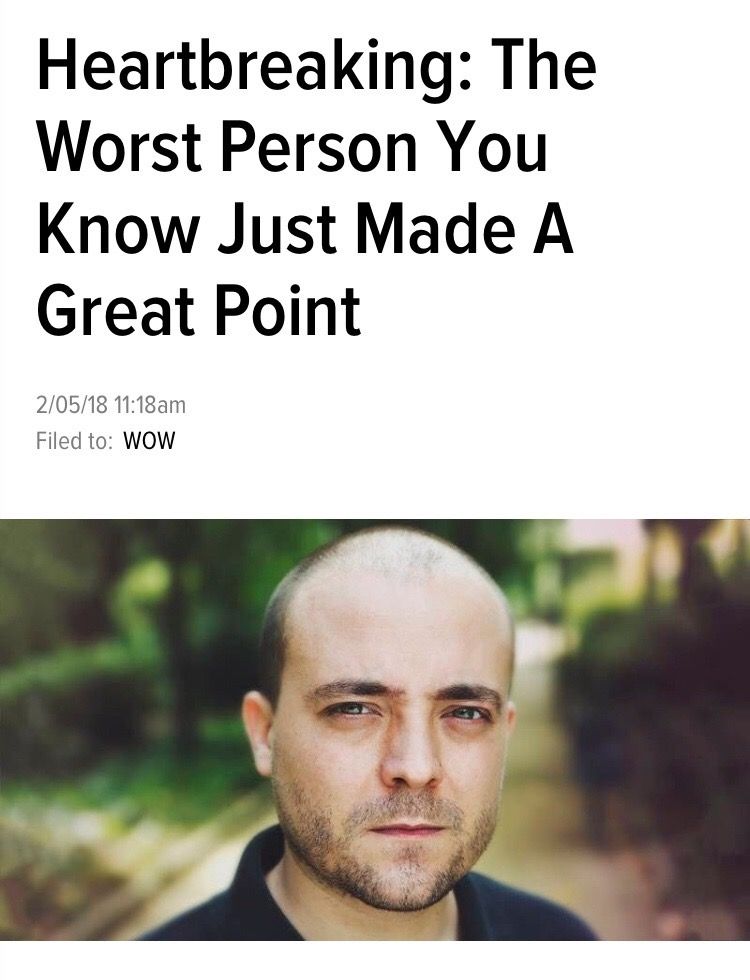
I sentence you to radial blur on everything

maybe once a month if even.
only phone I’ve ever catastrophically broken by drop is a Galaxy S20; curved screen edges are bad for durability. glad most phone manufacturers have axed it now.
 11·9 个月前
can’t be heartbreaking if you don’t have a heart
no. events and our decisions are abstracted far enough so that the illusion of free will is apparent. I think it’s very well impossible to fully distinguish between free will and fate from our limited perspective

 4·10 个月前
probably not true in most other langauges. although I’m not well versed in the way numbers are represented in code and what makes a number “NaN”, something tells me the technical implications of that would be quite bad in a production environment.
the definitive way to check for NaN in JS would probably be something like
// with `num` being an unknown value

// Convert value to a number
const res = Number(num);

/*
 * First check if the number is 0, since 0 is a falsy
 * value in JS, and if it isn't, `NaN` is the only other
 * falsy number value
 */
const isNaN = res !== 0 && !res;
C, because yes.
I missed something didn’t I?
 3·10 个月前
other distributions should start having an option for this in the GUI installer, but it might be tricky for the average user
Arch Wiki has a guide on FDE using the TPM and it’s transparent in my everyday usage
some minor issues I see are:
- Secure Boot needing to be disabled then re-enabled during install for it to work as intended
- needing to write down a long backup passphrase, but this also happens on Windows and MacOS iirc



only to the extent of what you can do on stock android. implementing changes that enable customization is unfortunately not on Graphene’s radar, it’s security focused changes
then don’t.
it’s not something your being forced to do. it’s the lifting of an unnecessary restriction that in turn gives you more power on your device.

Unless I’ve missed something big, passkeys are pretty easy for me if the website supports them imo.
Using KeePassXC, I click register on the website, register the passkey with KeePass, then it just works when I need to authenticate or login. My database is then synced across all my devices.
Passkey support is yet to come to KeePassDX on Android though, so I’ll be awaiting that feature



I’ve been trying out different alternatives with my friends. Screenshare and audio sharing capabilities across Linux, Windows and Mac is the one feature that Discord does right that no one else seems to. I really like Element (and by extension Matrix), but they really like to stick their head in the sand when it comes to important feature requests. The lack of screenshare with audio is a big thing that helps bring about the unfortunate choice to stick with Discord.
I know it’s a tricky thing to get right, and I have love for the work that open source does; I don’t have quite the level of skill yet to make/contribute an implementation myself. But it’s strange it’s been this long and nobody seems to have gotten this feature working, despite a big want for it.
EDIT: After taking a look at the issues on the element repos, it seems like this is getting worked on! https://github.com/element-hq/element-web/issues/29891 https://github.com/element-hq/element-desktop/pull/2850